About
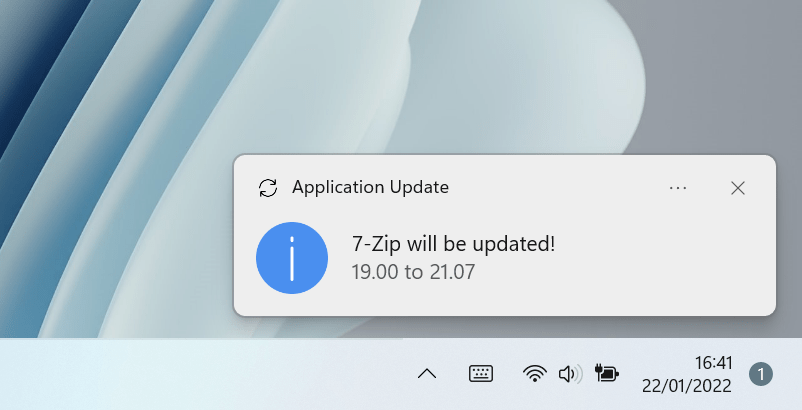
WinGet-AutoUpdate-aaS (formerly Winget-AutoUpdate-Configurator) is based on WinGet-AutoUpdate (WAU) and is dedicated to the approach to bring you WAU in the form of a service (aaS). So this means:
- No packaging and automatic servicing through the Microsoft Store
- Configurable and ready to use modifications that do not require scripting
- No infrastructure deployment: Everything can be reached right out of Intune
WinGet-AutoUpdate-aaS takes the configuration from Microsoft Intune and applies it to WinGet-AutoUpdate so your users stay up-to-date with their software.
Intune integration using ADMX backed profiles
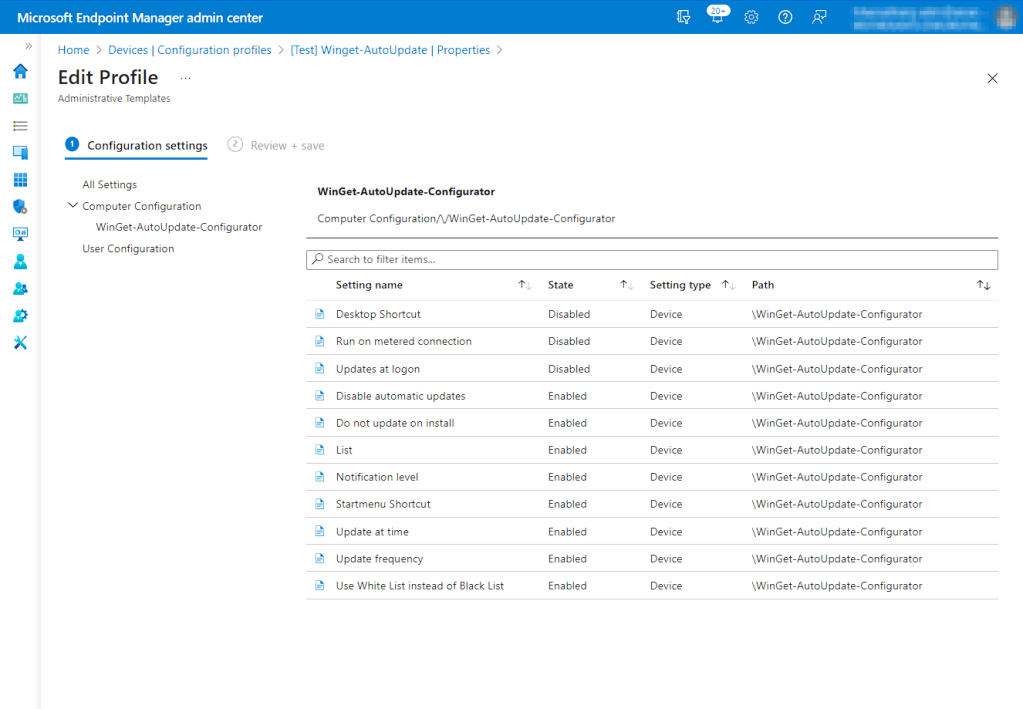
Winget-AutoUpdate-Configurator integrates well into Microsoft Intune by using ADMX backed policies. You can configure nearly all aspects of Winget-AutoUpdate from your Microsoft Intune console and change settings when you need without redeploying Winget-AutoUpdate.
You can also configure your white- and blacklist from within the Microsoft Intune console and do not need to host them on an external data source.
Features
- Updates (nearly) every 3rd Party App that using WinGet
- Fully ADMX backed configuration using Microsoft Intune
- White- or Blacklist apps you want to update
- Easy deployment using a single MSI file
- Available as Microsoft Store App
- All code is signed to make Winget-Autoupdate-aaS working even in restricted environments
Steps
- Get binaries from this Github : https://github.com/Weatherlights/Winget-AutoUpdate-Intune
- From Intune applications search for WinGet on the new Microsoft Store
- Add it and assign it to your desired group
- From Configuration Profile, add the WinGet admx and adml and customize it if you want
- Assign the Configuration Profile to the same group as the application


 All Intune
Leave a comment